
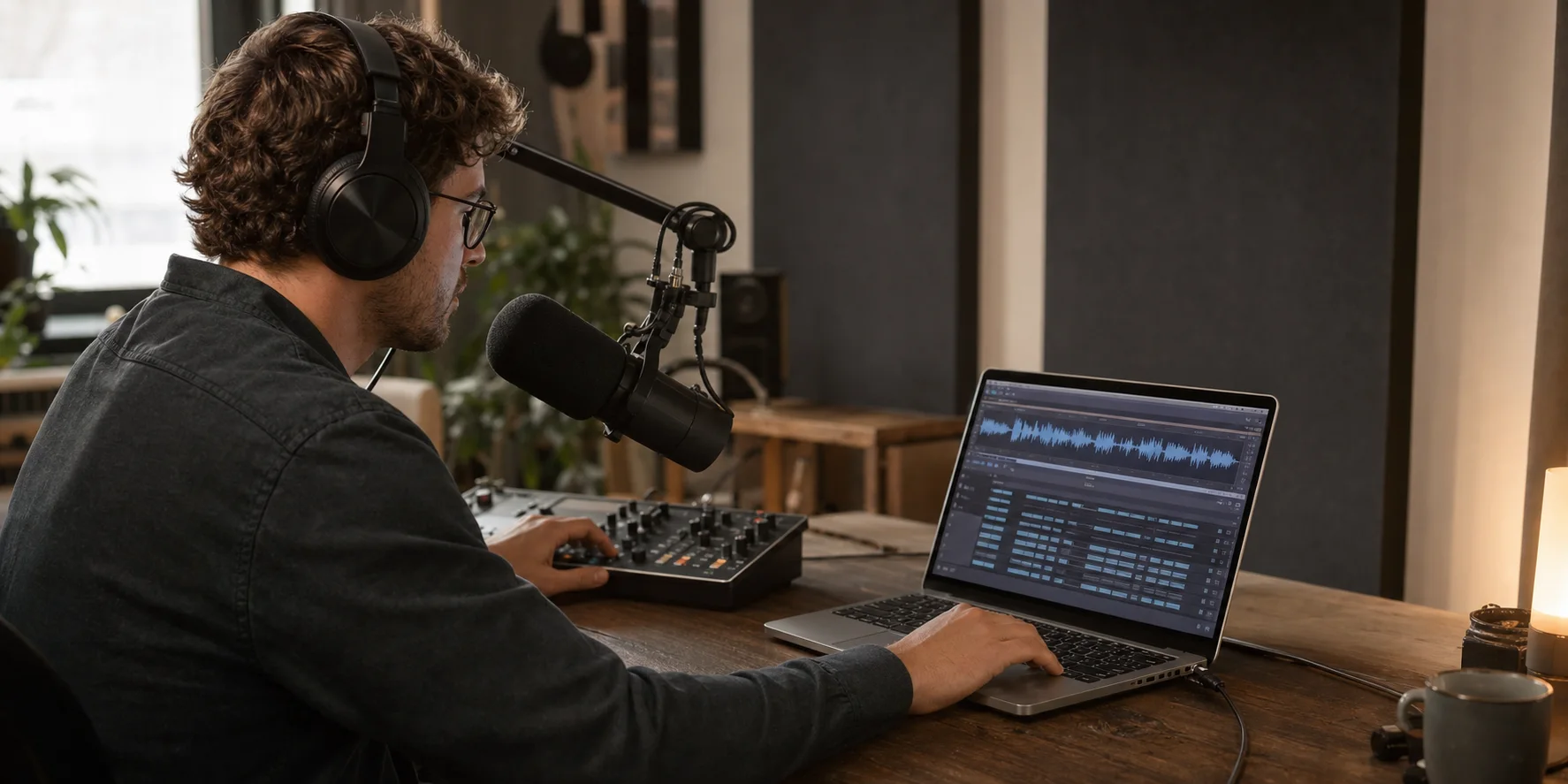
GPT Transcribe is OpenAI's modern approach to converting recorded speech into usable text. In 2026, that apparently simple task covers a surprisingly broad system: file uploads, multilingual recognition, domain-specific vocabulary, streaming results, speaker labels, timestamps, subtitles, and live transcription. Choosing the right model and output pipeline matters just as much as sending the audio file.
This guide explains how GPT-powered transcription works, how the available OpenAI speech-to-text options differ, and how to use the POST /v1/audio/transcriptions endpoint in a production-minded way. It also covers the less visible work required after recognition: segmenting long recordings, evaluating errors, assigning speakers, creating subtitle files, and protecting sensitive audio.
The short version: For a completed recording, start with the current
gpt-transcribeworkflow documented by OpenAI. Select a specialized model when you specifically need speaker diarization, word timestamps, subtitle formats, translation into English, or continuously arriving audio.
What Is GPT Transcribe?
GPT Transcribe is best understood as a family of GPT-powered speech-to-text capabilities rather than a single universal mode. The core job is automatic speech recognition, or ASR: the system receives an audio signal and returns the words it believes were spoken. The newer GPT-based models add stronger language understanding to that process, which helps them resolve ambiguous sounds, recognize languages, format sentences, and use supplied context.
OpenAI introduced gpt-4o-transcribe and gpt-4o-mini-transcribe in March 2025 as successors to many Whisper-based API workloads. According to the company's audio model announcement, the models were trained with specialized audio data, midtraining, distillation, and a reinforcement-learning-heavy approach. OpenAI reported lower word error rates than earlier Whisper models, especially across multilingual audio and difficult conditions such as accents, background noise, and changing speech speeds.
The 2026 OpenAI file transcription guide now recommends starting with gpt-transcribe for ordinary recorded speech. Existing model IDs remain important because they expose different combinations of cost, streaming, confidence information, speaker labeling, timestamps, and output formats.
This naming can be confusing. "GPT Transcribe" may refer to the product category or workflow, while strings such as gpt-transcribe, gpt-4o-transcribe, and gpt-4o-transcribe-diarize are API model identifiers. Always copy the exact model ID from the current OpenAI documentation before deploying.
Why GPT-Based Speech-to-Text Is Different
Traditional speech recognition is often described as a pipeline: detect acoustic features, estimate phonemes or subword units, and use a language model to select the most plausible sequence. Modern end-to-end models blur those boundaries, but the basic problem remains. Many different sentences can produce similar acoustic evidence, particularly when the recording contains noise, clipped consonants, an unfamiliar accent, or a proper noun the system has never seen.
A GPT-powered transcription model can use a wider linguistic context when resolving that ambiguity. Consider the sentence, "We migrated the queue to Kafka." A weak recognizer may hear "cue" or even "cougher." Context about a software architecture meeting makes "queue" and "Kafka" much more likely. That does not mean the model knows the ground truth; it means it can make a better context-aware estimate.
The benefit appears in several practical areas:
- Proper sentence structure: punctuation and casing are more readable without a separate cleanup pass.
- Multilingual recognition: the model can distinguish languages and handle code-switching more reliably.
- Accents and variable pacing: linguistic context can recover words that are acoustically uncertain.
- Domain context: prompts and expected keywords can guide names, acronyms, product codes, and specialist terminology.
- Noisy speech: context can help disambiguate partially masked words, although it cannot restore information that was never captured.
The last point deserves caution. A language-aware recognizer can produce a fluent sentence even when the audio evidence is weak. Fluency is not proof of accuracy. High-stakes transcripts still require validation against the recording.
GPT Transcribe Model Options in 2026
There is no single best model for every audio-to-text job. Choose based on the output you actually need.
| Model or path | Best fit | Important limitation |
|---|---|---|
gpt-transcribe | The current recommended starting point for general file transcription | Use a specialized path for speaker labels, word timestamps, subtitles, or translation |
gpt-4o-transcribe | Accurate established GPT-powered transcription, prompts, log probabilities, and file streaming | Its transcription response is JSON rather than a ready-made SRT or VTT file |
gpt-4o-mini-transcribe | Cost-sensitive, higher-volume speech-to-text | Evaluate it on your own accents, noise, and terminology before choosing on price |
gpt-4o-transcribe-diarize | Meetings, interviews, and calls where the transcript must show who spoke when | It does not support transcription prompts and is not the default for ordinary single-speaker files |
whisper-1 | Word or segment timestamps, SRT/VTT output, and audio translation into English | Older recognition path; file-response streaming is not supported |
| Realtime transcription | Live captions, calls, classrooms, broadcasts, and microphone input | Requires session state, audio streaming, turn handling, and event ordering |
This table highlights an important architecture lesson: model accuracy and product completeness are different things. A model may return excellent text while your application still needs timestamps, speaker names, an editor, subtitle export, search, storage, and human review.
For non-developers—or for teams validating a workflow before building it—an online GPT Transcribe workspace can provide a browser-based path from uploaded audio to an editable, structured transcript without requiring API credentials or multipart request code.
Understanding Word Error Rate Without Being Misled
Speech recognition accuracy is commonly summarized with word error rate, or WER:
WER = (substitutions + deletions + insertions) / words in the reference transcriptLower is better. If a 1,000-word reference contains 20 substitutions, 10 omitted words, and 5 inserted words, the WER is 3.5 percent.
WER is useful, but it compresses different failures into one number. Substituting "fifteen" for "fifty" may be much more damaging than missing an "um." Misspelling a drug name, account number, or legal term can matter more than several punctuation errors. A model that performs well on clean benchmark speech may also struggle with your call-center codec, conference-room echo, or regional vocabulary.
A serious evaluation should therefore include:
- A representative test set. Use real microphones, languages, accents, background conditions, and recording lengths.
- Human reference transcripts. Create carefully reviewed ground truth rather than treating another ASR output as truth.
- WER and critical-term accuracy. Track names, numbers, dates, SKUs, and domain terms separately.
- Segment-level review. Measure whether errors cluster around overlap, silence, noise, or speaker changes.
- Downstream task quality. If the transcript feeds search, summaries, compliance checks, or subtitles, test those outcomes too.
OpenAI's reported benchmark gains are a strong reason to test GPT transcription, but they are not a substitute for an evaluation on your audio.
How to Use OpenAI /v1/audio/transcriptions
The file transcription endpoint accepts a multipart upload. The smallest useful cURL request is:
curl https://api.openai.com/v1/audio/transcriptions \
  -H "Authorization: Bearer $OPENAI_API_KEY" \
  -H "Content-Type: multipart/form-data" \
  -F file="@meeting.mp3" \
  -F model="gpt-transcribe"
The endpoint is POST https://api.openai.com/v1/audio/transcriptions. Do not put an API key in browser code, a public repository, or a mobile binary. Send the upload through a server you control and keep the credential in a secret manager or server-side environment variable.
The current file guide accepts files up to 25 MB and lists mp3, mp4, mpeg, mpga, m4a, wav, and webm as supported formats. A video container such as MP4 can be accepted because the service extracts its audio; this is still transcription, not visual video understanding.
Python example with transcription context
from openai import OpenAI

client = OpenAI()

with open("support-call.wav", "rb") as audio_file:
    transcript = client.audio.transcriptions.create(
        model="gpt-transcribe",
        file=audio_file,
        prompt=(
            "A customer support call about the Pro plan, invoice reconciliation, "
            "and account AC-42."
        ),
        extra_body={
            "keywords": ["Pro plan", "AC-42", "reconciliation"],
            "languages": ["en", "fr"],
        },
    )

print(transcript.text)
The three context controls have different jobs:
promptprovides a natural-language description of the recording.keywordslists literal terms expected in the audio.languageslists likely input languages using short language codes.
These are hints, not commands to insert text. Keep keyword lists relevant and measure whether they improve critical-term accuracy. An aggressive keyword list can bias a model toward words that were not actually spoken.
Existing gpt-4o-transcribe and gpt-4o-mini-transcribe integrations support prompts, while the diarization model does not. Consult the create transcription API reference before assuming that one model's parameter or response format works with another.
Prompting for Better Audio Transcription
A useful transcription prompt supplies context without rewriting the speaker. Good prompts describe:
- the type of recording;
- the likely language or languages;
- relevant company, product, or speaker names;
- the specialist field;
- expected acronyms or alphanumeric identifiers;
- formatting conventions that truly appear in the speech.
For example:
An engineering incident review about Kubernetes, PostgreSQL, and service
ZX-17. Speakers use English with occasional Spanish phrases. Preserve
technical acronyms and write spoken version numbers with periods.
Avoid prompts such as "make the speaker sound professional" or "fix all grammar." That turns a transcription requirement into an editing requirement. Preserve a raw or minimally normalized transcript first. If you need a polished article, summary, or minutes, create it as a separate derivative with a clear audit trail.
Segment continuity also matters. If you split a long file, give the next request a small amount of preceding context or a vocabulary list that remains consistent across chunks. Do not paste an enormous previous transcript into every request; use only the context needed to preserve names and sentence continuity.
Long Audio: Compression, Chunking, and Context
OpenAI's documented file limit is 25 MB, so a long WAV recording often needs compression or splitting. File size, not just duration, determines whether an upload fits. A mono speech track encoded at an appropriate bitrate is usually far smaller than uncompressed stereo PCM.
For long recordings:
- Extract the speech audio from video when the picture is irrelevant.
- Convert stereo to mono unless separate channels carry meaningful speakers.
- Use a speech-appropriate compressed format and bitrate.
- Split at silence or sentence boundaries rather than at arbitrary byte offsets.
- Keep a small overlap between adjacent chunks.
- Deduplicate the overlap when assembling the final transcript.
- Preserve each chunk's original start time so timestamps can be shifted onto a global timeline.
The overlap solves one problem and creates another. Without overlap, a word or sentence cut in half may disappear. With overlap, the same phrase may appear twice. A robust merger compares normalized text near the end of chunk A and the beginning of chunk B, then removes only the confirmed duplicate span.
Do not parallelize every chunk blindly. Parallel processing reduces wall-clock time, but consecutive chunks lose contextual continuity and may format the same speaker or term differently. For content where continuity matters, process ordered groups or feed forward a compact context summary and verified glossary.
File Streaming Is Not the Same as Live Transcription
The word "streaming" describes two different workflows:
Streaming a completed file
The full recording already exists. Setting stream=true lets the Transcriptions API emit partial text events while processing it:
import fs from 'fs';
import OpenAI from 'openai';

const openai = new OpenAI();

const stream = await openai.audio.transcriptions.create({
  file: fs.createReadStream('interview.wav'),
  model: 'gpt-transcribe',
  stream: true,
});

for await (const event of stream) {
  if (event.type === 'transcript.text.delta') {
    process.stdout.write(event.delta);
  }
}
This improves perceived responsiveness, but it does not make a prerecorded upload into a live microphone session.
Transcribing audio as it arrives
A microphone, phone call, or broadcast produces audio continuously. That workflow uses a Realtime transcription session, normally over WebSocket or WebRTC. The client sends audio buffers, commits turns, and listens for incremental delta and completion events.
OpenAI's May 2026 voice intelligence update introduced GPT-Realtime-Whisper for low-latency streaming speech-to-text. Live systems must additionally handle voice activity detection, reconnects, out-of-order completion events, latency budgets, and the difference between provisional words and finalized text.
Choose live transcription only when the user needs text during the conversation. For an uploaded podcast or meeting recording, file transcription is operationally simpler and can use more complete context.
Speaker Diarization: Who Spoke When?
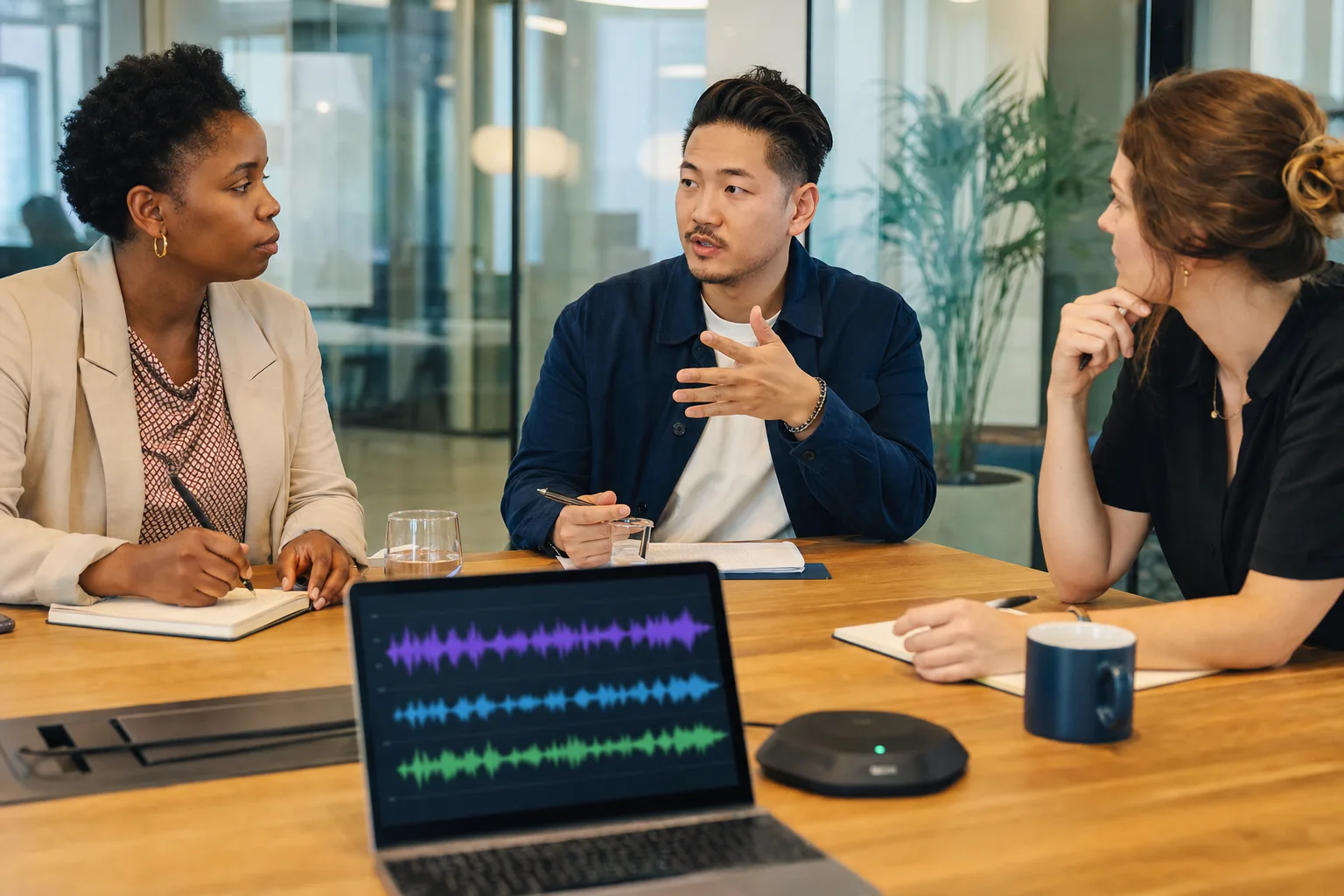
Speaker diarization divides a recording into speaker-attributed segments. It answers "who spoke when," while speech recognition answers "what was said." Meetings, interviews, depositions, and customer calls often need both.
OpenAI provides gpt-4o-transcribe-diarize through /v1/audio/transcriptions. Request diarized_json to receive segments with speaker, start, end, and text fields:
curl https://api.openai.com/v1/audio/transcriptions \
  -H "Authorization: Bearer $OPENAI_API_KEY" \
  -H "Content-Type: multipart/form-data" \
  -F file="@meeting.wav" \
  -F model="gpt-4o-transcribe-diarize" \
  -F response_format="diarized_json" \
  -F chunking_strategy="auto"
For recordings longer than 30 seconds, the official guide requires an automatic or voice-activity-based chunking strategy. The API can also accept short reference samples for up to four known speakers. Unknown speakers are otherwise labeled sequentially.
Diarization is not identity verification. A label such as "A" means the model grouped segments as one voice; it does not prove who that person is. Overlapping speech, distant microphones, similar voices, room echo, and people moving around the room can all cause speaker-boundary errors.
If a product needs a practical editing layer around speaker labels and subtitle exports, an online speech-to-text and subtitle workflow can be useful for turning raw audio into timestamped, speaker-aware text and SRT/VTT files without building the full interface yourself.
Timestamps, SRT, and VTT Subtitles
Transcripts and subtitles are related but not interchangeable. A readable transcript can contain long paragraphs. Subtitles need short cues, stable timing, sensible line breaks, and enough on-screen time to read.
The API's output options depend on the model:
gpt-4o-transcribeandgpt-4o-mini-transcribesupport JSON transcription output.gpt-4o-transcribe-diarizesupports JSON, text, anddiarized_json; speaker annotations requirediarized_json.whisper-1remains the documented specialized option forverbose_json, word or segment timestamps, and direct SRT/VTT responses.
If you start with plain GPT transcript text, generating subtitles requires alignment. A reliable subtitle pipeline should:
- obtain or calculate time-aligned segments;
- split cues at natural phrase boundaries;
- limit line length and number of lines;
- set minimum and maximum cue duration;
- prevent overlapping cue times;
- preserve intentional non-speech labels such as
[music]only when verified; - preview the result against the original media.
Never invent precise timestamps by dividing the audio duration evenly across words. Speech rate changes constantly, and pauses carry meaning.
Reliability, Confidence, and Human Review
The transcription API can return token log probabilities for supported GPT transcription models when JSON is requested. Lower-probability spans can help prioritize review, but they are not calibrated guarantees of correctness. A confidently wrong proper noun is still wrong, and a low-confidence token may be harmless.
Build quality controls around risk:
- Flag low-confidence spans and important numbers for review.
- Detect long silence and low signal-to-noise sections before transcription.
- Store the source time range with every editable segment.
- Let reviewers play a few seconds before and after the selected text.
- Keep raw model output separate from human corrections.
- Record the model ID, settings, prompt, and processing date.
- Re-run a fixed evaluation set before changing models or prompts.
For medical, legal, financial, accessibility, or compliance use cases, require qualified human review. Do not allow a polished transcript to create false confidence.
Privacy and Security for Audio-to-Text Systems
Audio often contains more sensitive information than teams expect: names, voices, phone numbers, addresses, health details, trade secrets, and background conversations. Treat transcription as a data-processing system, not just a convenience feature.
A production checklist should include:
- informed consent and legally appropriate recording notices;
- documented retention and deletion periods;
- encryption in transit and at rest;
- server-side API credentials with least-privilege access;
- restricted access to source audio and transcripts;
- redaction of sensitive identifiers where appropriate;
- regional storage and processing requirements;
- audit logs for downloads, edits, and exports;
- a clear policy for training, analytics, and third-party processing.
Delete temporary chunks after the job completes unless there is a defined reason to retain them. A transcript may also need stricter access controls than a summary because it preserves the full conversation.
A Production Architecture That Scales
A robust audio transcription service generally has more stages than one API request:
Upload
  -> validate type and size
  -> malware scan and secure storage
  -> normalize audio
  -> detect duration and silence
  -> chunk if needed
  -> transcribe
  -> merge and align segments
  -> diarize or create subtitles when requested
  -> quality checks
  -> human review
  -> export, index, and apply retention policy
Use a job queue for long recordings. Return a job ID immediately, process the audio asynchronously, and expose status such as queued, processing, needs_review, completed, or failed. Make retries idempotent so a network timeout does not create duplicate jobs or charges.
Store provenance with the result: source checksum, model ID, prompt version, language hints, chunk boundaries, and timestamps. This makes corrections reproducible and lets you compare a future model against the same audio.
Common Mistakes
Treating fluent text as verified text
Good punctuation can hide a wrong name or number. Review critical entities against the audio.
Using diarization for every file
A single-speaker voice note does not need speaker clustering. Specialized processing adds complexity without adding value.
Splitting long audio at fixed intervals
Hard cuts can remove sentence context and duplicate or omit words. Prefer silence-aware boundaries with controlled overlap.
Asking the transcription model to rewrite
Transcription, grammar correction, summarization, and action-item extraction should be separate, traceable stages.
Assuming file streaming is live audio
Streaming a completed upload returns results earlier; live microphone transcription requires a Realtime session.
Optimizing only for average WER
Measure the errors that affect your product: numbers, names, timestamps, speaker changes, and downstream tasks.
Frequently Asked Questions
Is GPT Transcribe the same as ChatGPT voice mode?
No. GPT Transcribe is a speech-to-text capability for turning audio into written output. ChatGPT voice mode is an interactive product that manages a conversation, context, reasoning, and spoken responses.
Can GPT Transcribe convert video to text?
The transcription endpoint accepts MP4 among its documented formats and processes the audio track. It does not analyze the visual content of the video.
Can it identify different speakers?
Yes, when you use the diarization model and request diarized_json. Speaker labels group voice segments; they should not be treated as biometric identity proof.
Can it create SRT or VTT subtitles?
Subtitle support depends on the selected model and workflow. whisper-1 supports documented SRT/VTT responses. GPT-based text or diarized output can also be transformed into subtitles when accurate timing information is available.
Does transcription translate the audio?
Ordinary transcription preserves the spoken language. The /v1/audio/translations endpoint uses whisper-1 to translate supported audio into English. Live multilingual translation is a separate Realtime workflow.
Is GPT Transcribe free?
OpenAI API usage is billed according to the selected model and current pricing. Third-party browser tools may offer a limited trial or their own plans. Check the current terms before uploading sensitive or lengthy recordings.
Final Takeaway
GPT Transcribe in 2026 is not merely an audio-to-text button. It is a set of model choices and engineering decisions: general recognition or diarization, completed files or live streams, raw text or timed subtitles, low cost or maximum accuracy, automation or human review.
Start with the simplest path that produces the output your users need. Use gpt-transcribe for general recorded speech, add domain context carefully, and move to specialized models only for features such as speaker labels, exact timestamps, subtitles, or English translation. Evaluate on your own recordings, preserve the connection to the source audio, and treat fluent output as a prediction until critical details have been verified.
When those practices are in place, GPT-powered speech-to-text can become dependable infrastructure for meetings, interviews, podcasts, customer support, education, accessibility, research, and searchable media archives—not just a transcription demo.
Last reviewed: July 30, 2026. Model names, parameters, limits, and pricing can change; verify implementation details against the current OpenAI documentation before deploying.